Change, remove, or clear a rating or recommendation at any time.
Steps
- To change a numeric rating, enter a new value. It replaces the previous rating.
- To remove a rating completely, select the trash can icon next to it.
- To change a decision or recommendation, select a different option at the top of the ratings drawer. To remove it, select your current recommendation again to deselect it.
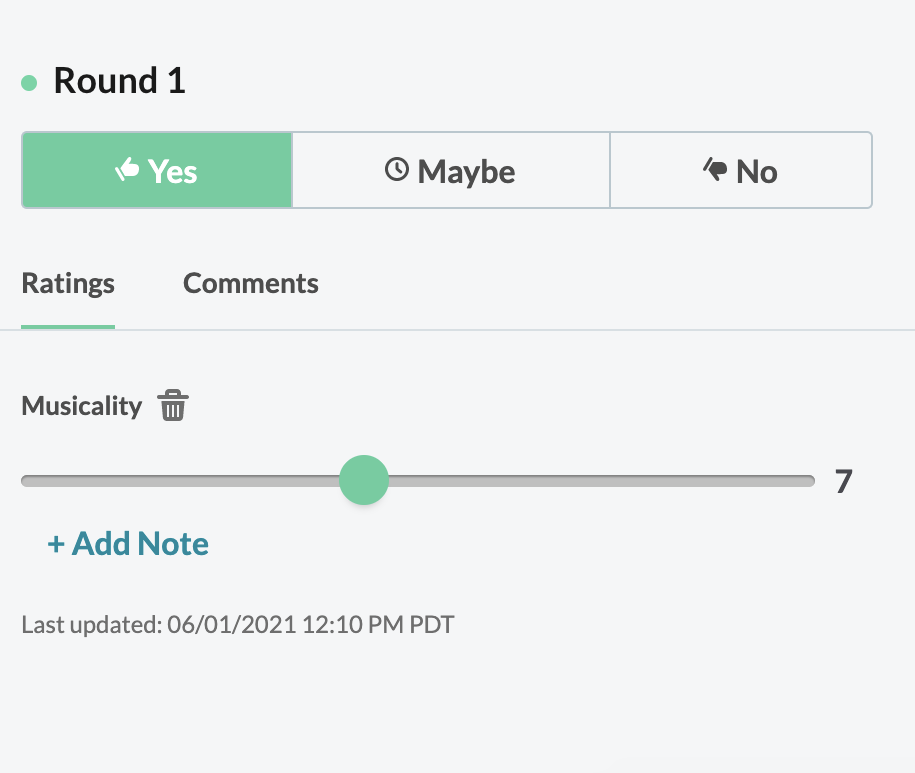
Acceptd saves your changes automatically. Check the Last Updated timestamp to confirm when you last made a change.