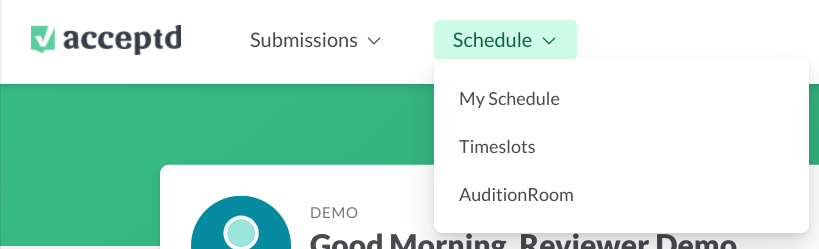
Use the Schedule menu to find your assigned sessions, timeslots, and AuditionRoom sessions.
Steps
- Open the Schedule menu from your account.
- Select My Schedule to see all of your assigned sessions and the applicants added to them.
- Select Timeslots to view and sort all of your assigned timeslots.
- If your organization uses AuditionRoom, select AuditionRoom to see upcoming lobbies and rooms, and recordings of past auditions.
Available menu options vary by user and organization.
If Something Goes Wrong
If you don't see the Schedule menu, contact your account owner to confirm your reviewer access.